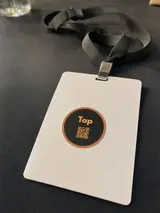
Stickers that know what's next.
Stick one on anything. A tap or a scan opens its own page, set up for you. No app.
Your first one is free. One per business.
Where it goes
The most popular places to stick one.
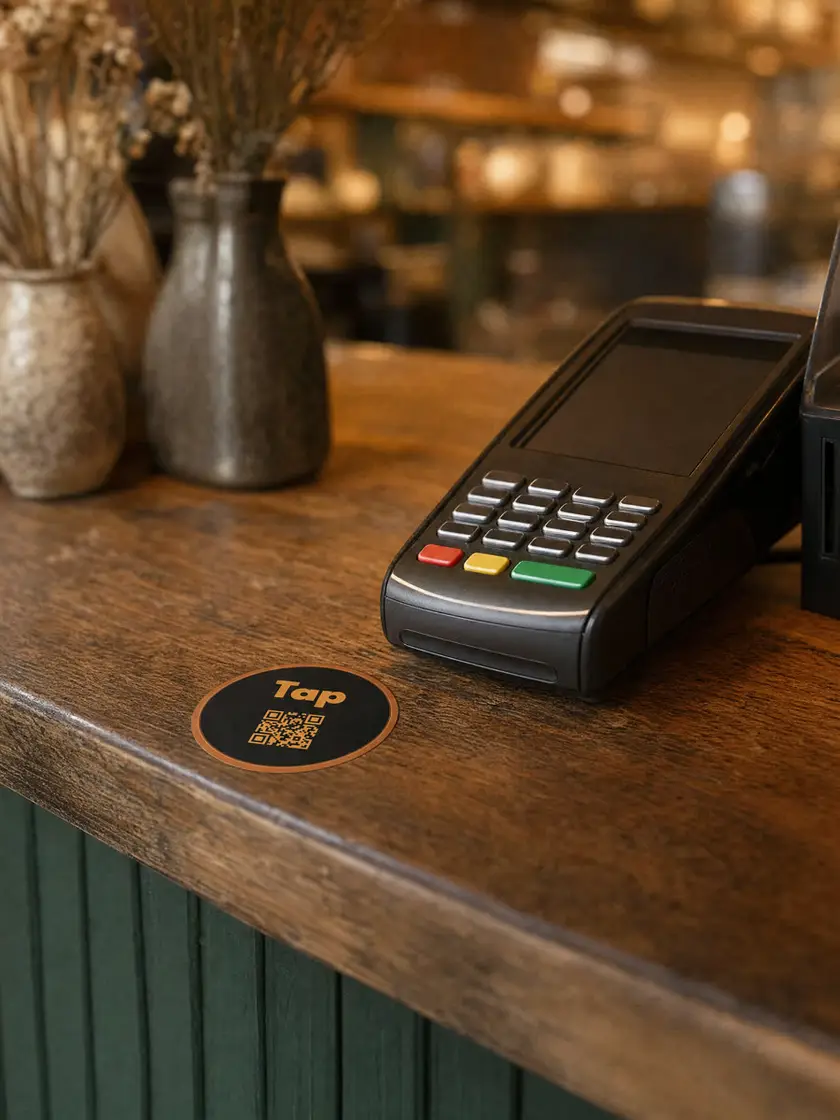
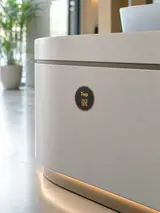
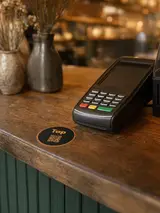
Front counter
Any shopTap: leaves a Google review.
See how it works
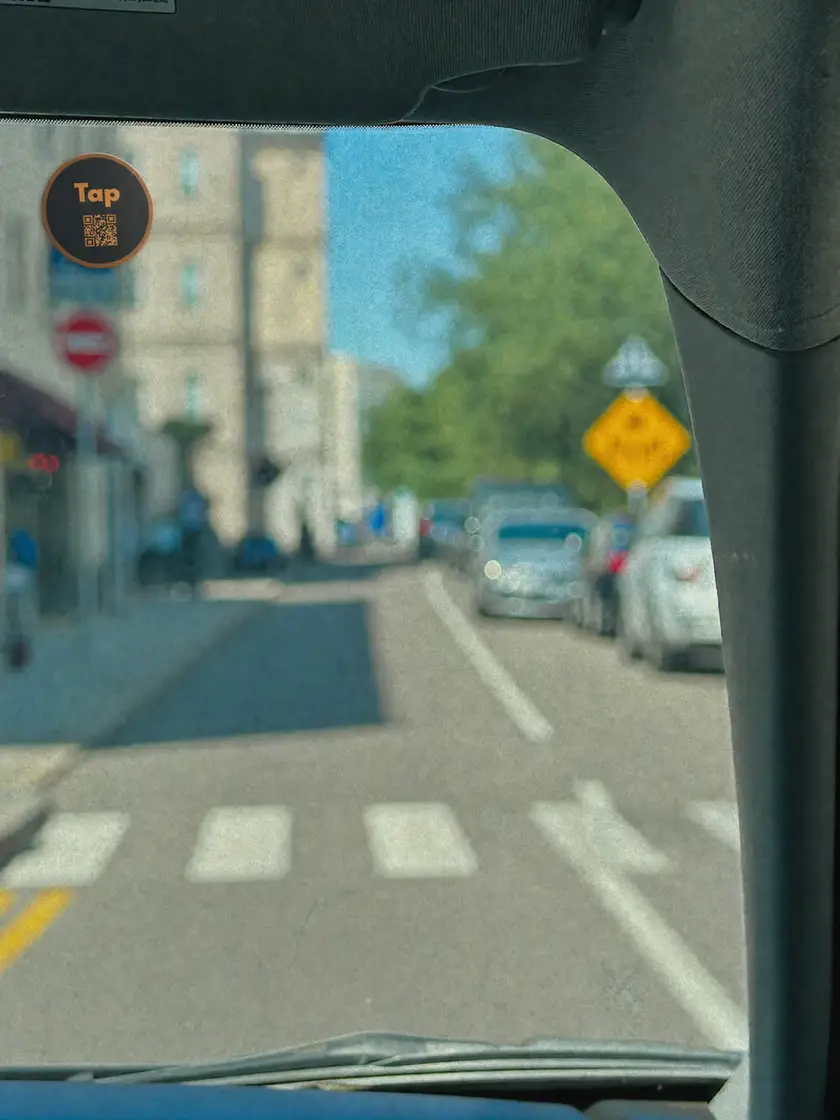
Windshield
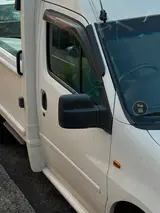
Auto shops and quick lubesTap: shows when the next oil change is due, and books it.
See how it works
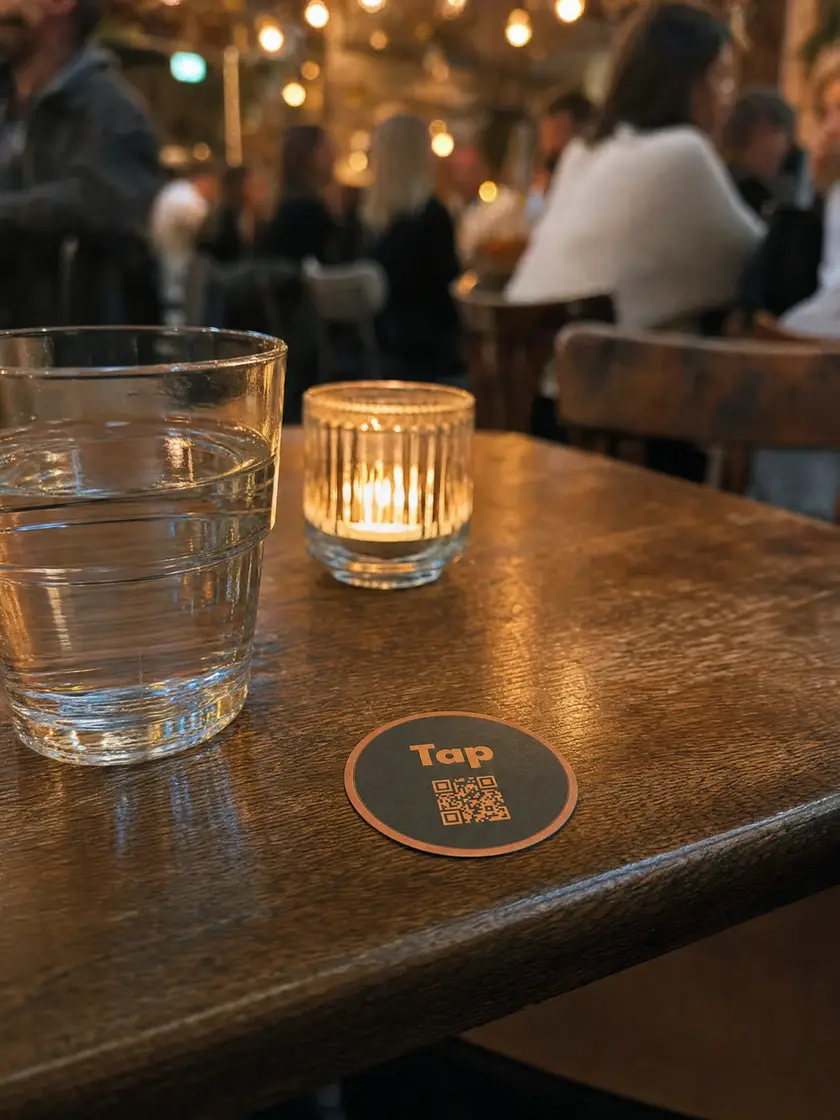
Restaurant table
Restaurants and cafésTap: opens the menu, then asks for a quick review.
See how it works
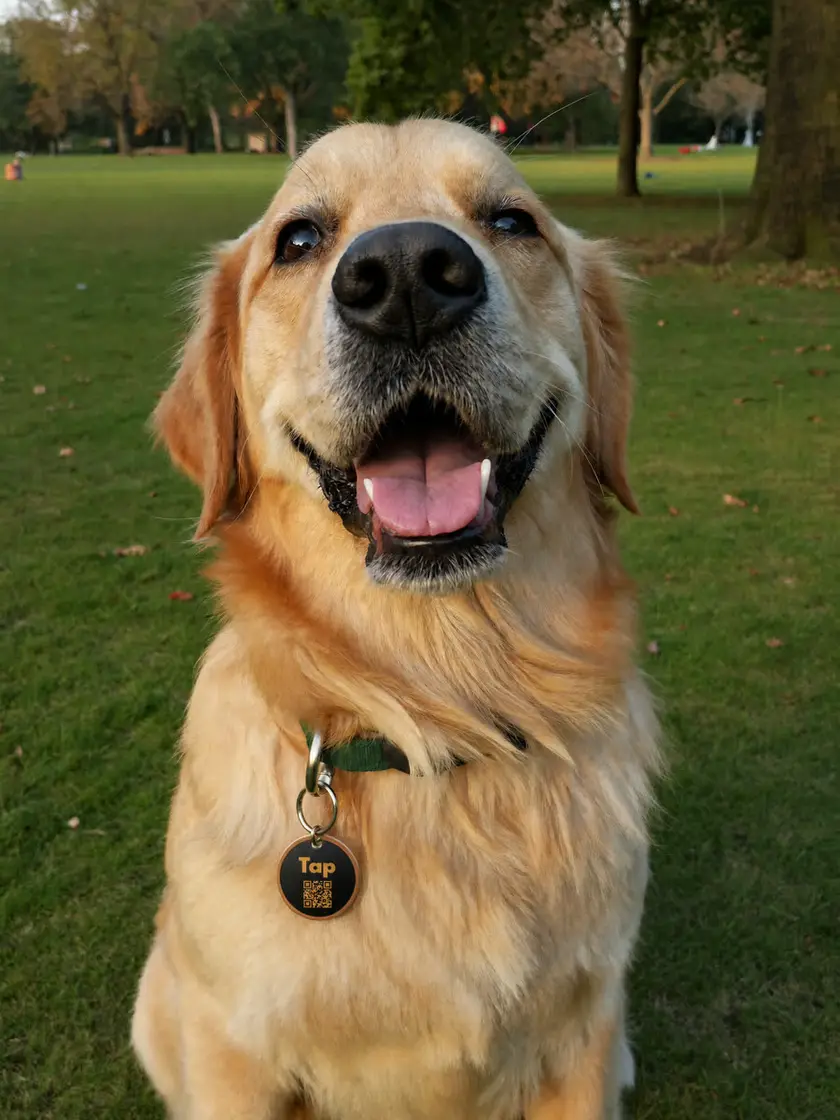
Pet tag
Vets and pet storesTap: reaches the owner if the pet is lost.
See how it works
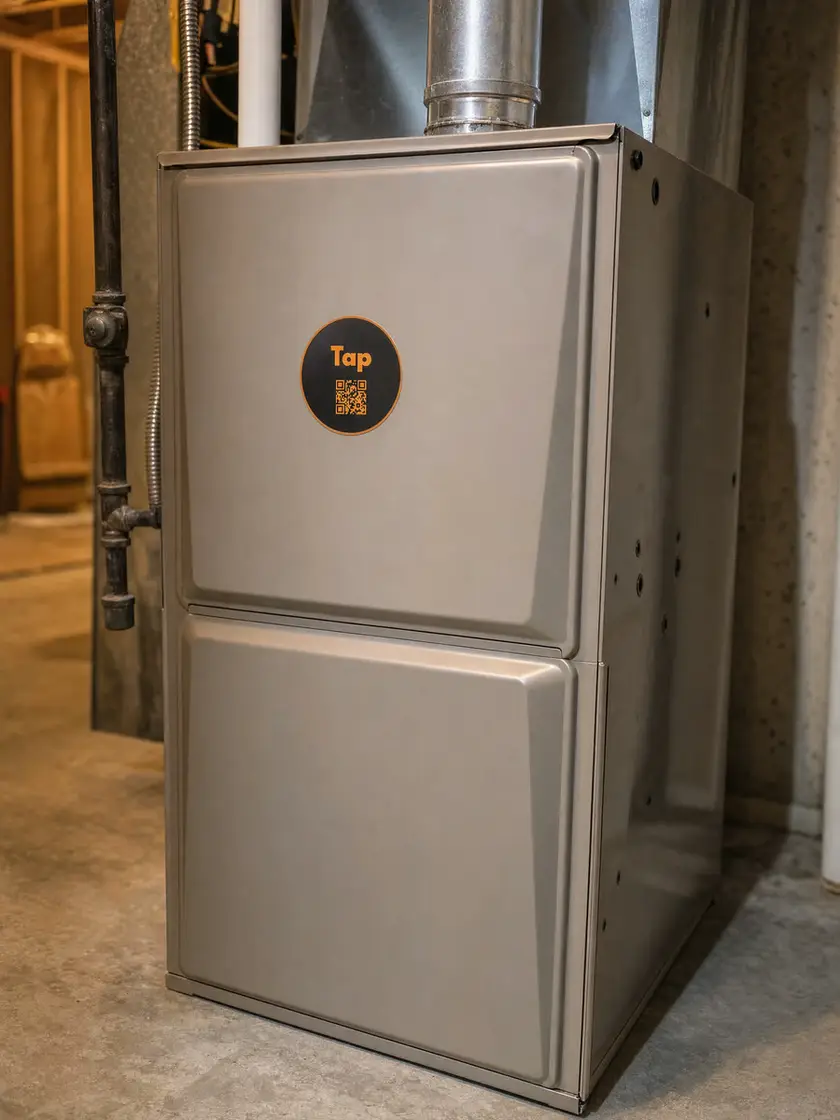
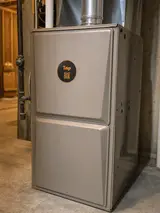
Furnace
Heating and coolingTap: shows the filter it takes, and books the next tune-up.
See how it works
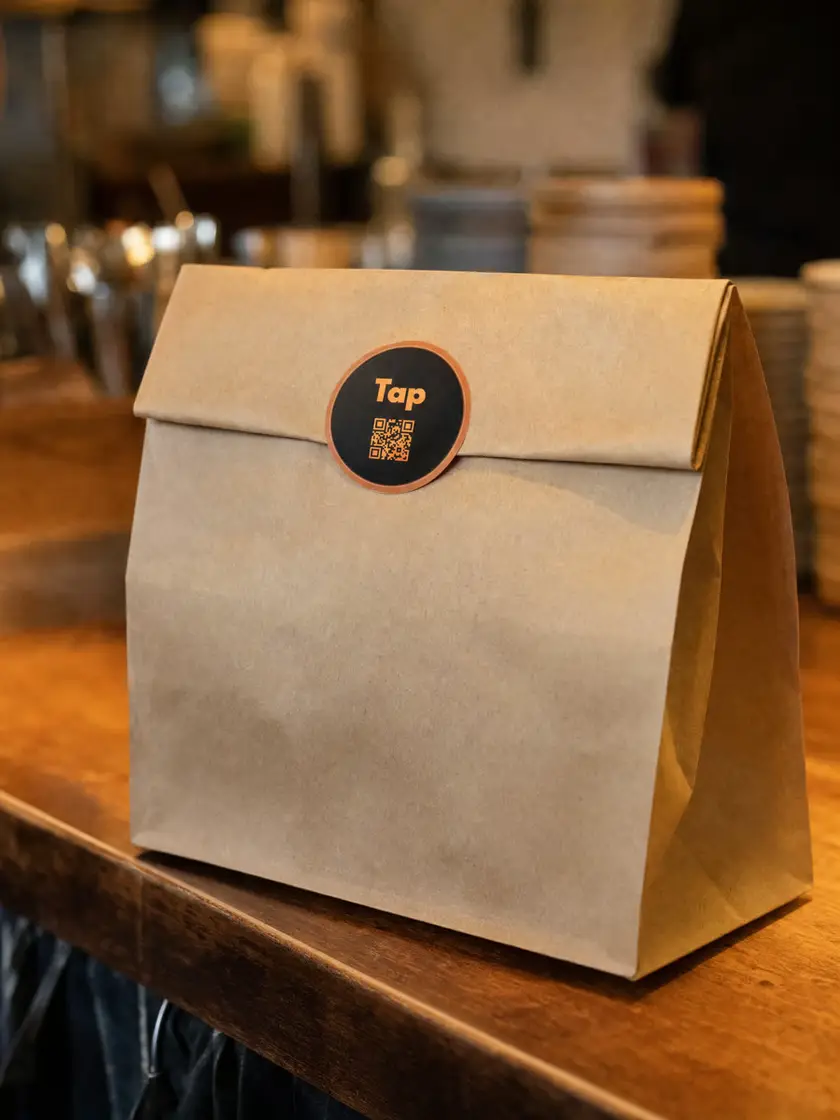
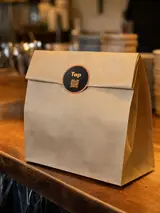
Takeout bag
RestaurantsTap: reorders and leaves a review.
See how it works At scale
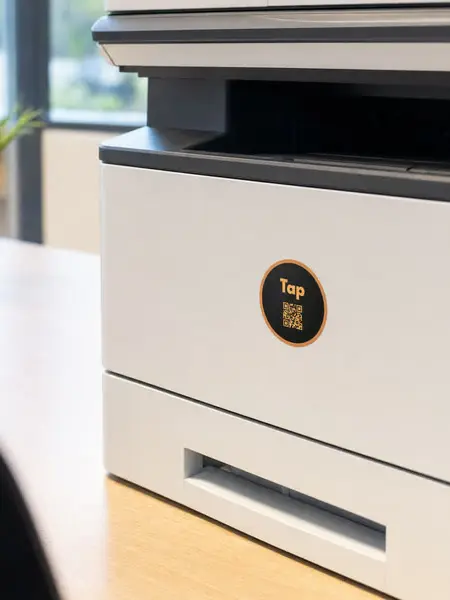
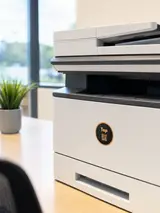
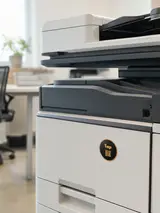
Office printer
Office supply dealersTap: orders toner.
See how it works
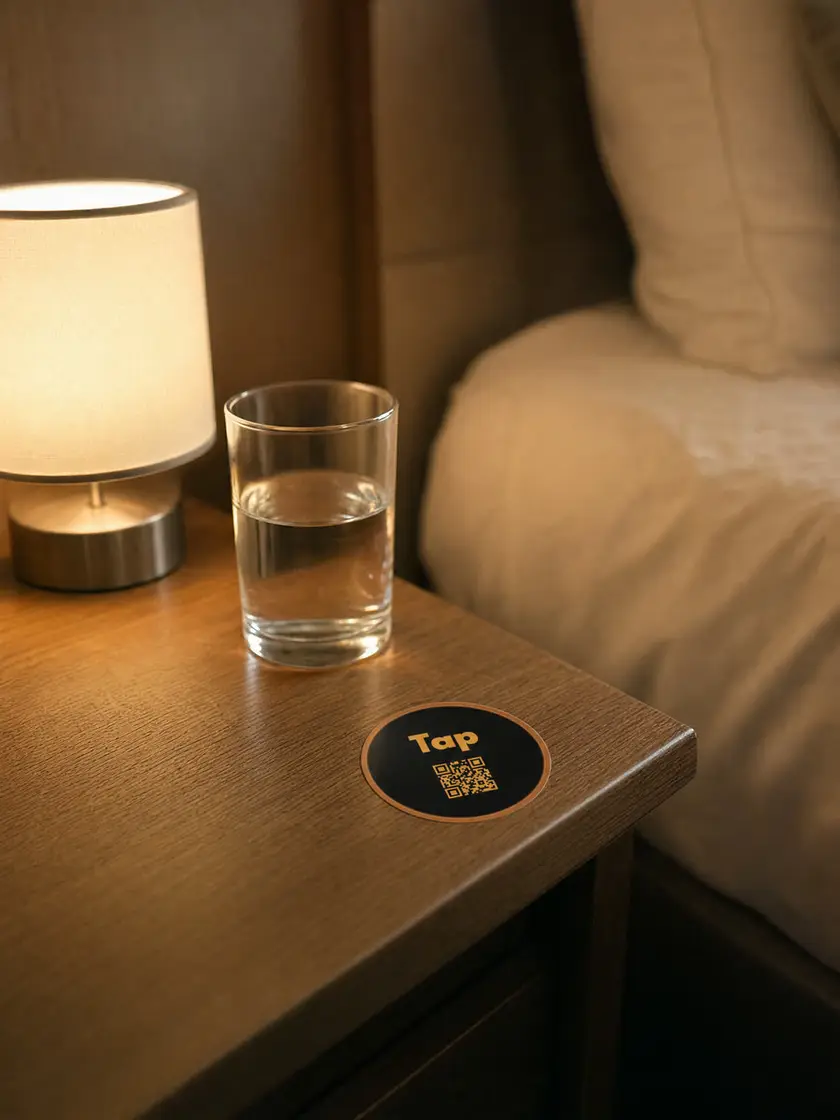
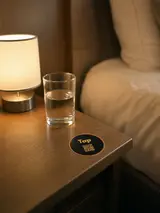
Hotel nightstand
Hotels and short-term rentalsTap: shows the Wi-Fi, the house rules and check-out.
See how it works
Examples. The photos are illustrations.
All uses
74 ways to use it. Find yours.
Every way businesses use a Smart Sticker, each with its own page.
WindshieldAuto shops and quick lubesShows when the next oil change is due, and books it.
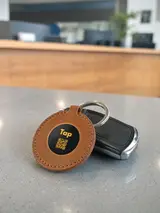
Key tagCar dealershipsBooks service, and saves the advisor's contact.
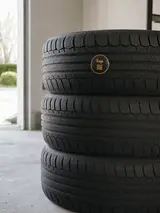
Stored tiresTire shopsBooks the seasonal tire swap.
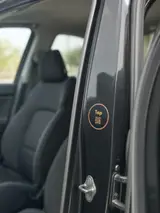
Driver door frameIndependent garagesShows the car's service history and books the next visit.
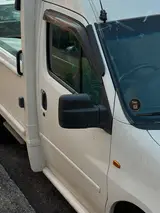
Work vanFleets and tradesBooks the van's next service.
Work vanFleetsLogs the mileage, or reports damage.
Rental car dashboardCar rental and car shareShows how to return it, the fuel rules, and roadside help.
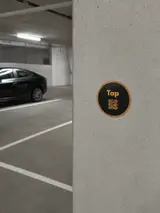
Parking spotCondos, plazas and lotsShows the parking rules and reports a car in the wrong spot.
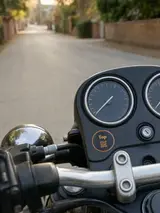
MotorcycleMotorcycle shopsBooks the spring service.
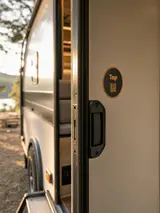
RV or trailerRV dealers and serviceOpens the how-to guides and books the pre-season check.
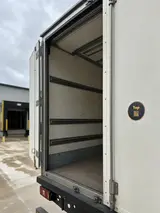
Truck trailerTrucking and logisticsOpens the pre-trip checklist and reports damage.
FurnaceHeating and coolingShows the filter it takes, and books the next tune-up.
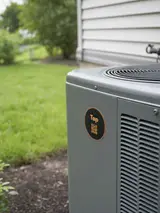
Air conditionerHeating and coolingBooks the spring AC check.
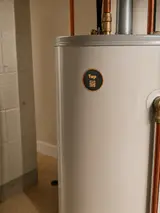
Water heaterPlumbers and water heater rentalsCalls for help if it leaks, and books a service.
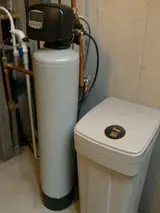
Water softenerWater treatment companiesReorders salt or filters.
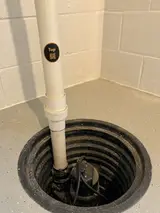
Sump pumpPlumbers and waterproofingCalls the emergency line, and books the spring check.
Garage door openerGarage door companiesBooks a service and opens the manual.
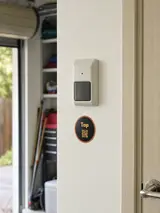
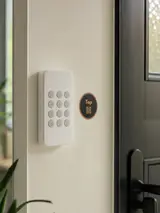
Alarm keypadSecurity companiesShows how to arm and disarm, and calls support.
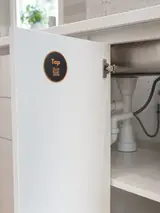
Under the sinkRenovation contractorsOpens care guides for the counters and floors, and a warranty request.
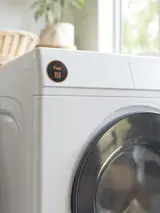
Washing machineAppliance stores and repairOpens the manual and warranty, and books a repair.
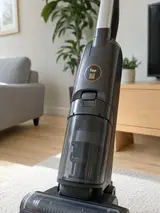
VacuumVacuum and sewing shopsReorders bags and filters.
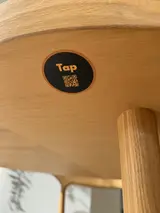
Sofa or tableFurniture storesOpens the care guide and the warranty claim.
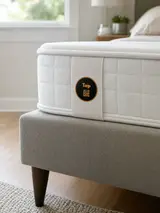
MattressMattress storesExplains the sleep trial and the warranty.
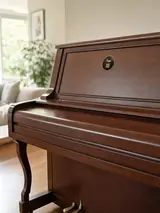
PianoPiano tunersShows when it needs tuning, and books it.
Plant potGarden centresShows how to care for the plant.
Pet tagVets and pet storesReaches the owner if the pet is lost.
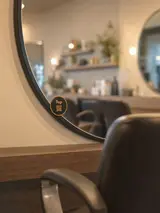
Salon mirrorSalons and barbershopsLeaves a review and rebooks before the client leaves.
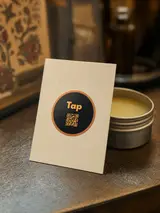
Aftercare cardTattoo, lash and brow studiosOpens the aftercare guide and books a touch-up.
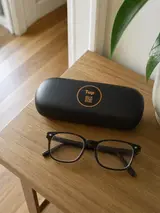
Glasses caseOptometristsBooks the next eye exam.
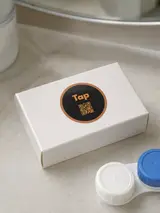
Contact lens boxOptometrists and optical storesReorders the same lenses.
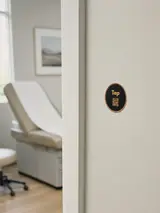
Exam roomClinicsLeaves feedback and books the next visit.
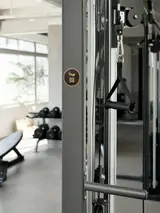
Gym machineGymsShows how to use it, or reports it broken.
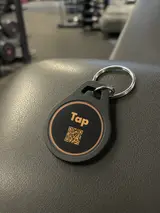
Member key tagGyms and studiosOpens the class schedule and books a class.
Appointment cardMassage, chiro and any appointment businessBooks the next appointment.
Restaurant tableRestaurants and cafésOpens the menu, then asks for a quick review.
Takeout bagRestaurantsReorders and leaves a review.
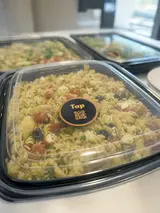
Catering trayCaterersAsks for a quote for the next event.
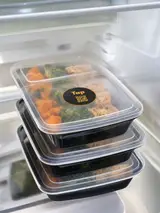
Meal-prep lidMeal-prep companiesOrders next week's meals.
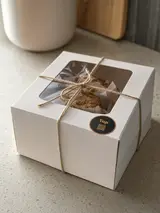
Cake boxBakeriesOrders the next cake.
Hotel nightstandHotels and short-term rentalsShows the Wi-Fi, the house rules and check-out.
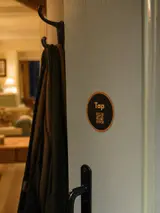
Front door, insideShort-term rental hosts and cottagesOpens the check-in guide, the Wi-Fi and the check-out steps.
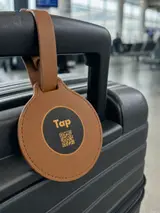
Luggage tagLuggage stores and travel agentsReaches the owner if the bag is lost.
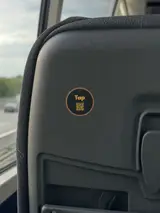
Tour bus seatTour operatorsShows today's stops, then asks for a review.
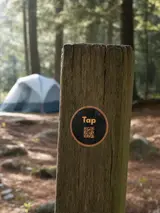
Campsite postCampgroundsShows the site rules and the camp store, and books next year.
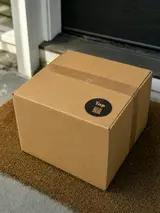
Shipping boxOnline storesLeaves a review, reorders, or starts a return.
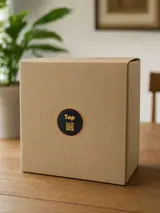
Product boxProduct brandsOpens the setup video and registers the warranty.
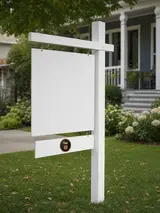
For-sale signRealtorsOpens the listing and books a showing.
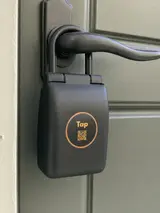
LockboxRealtorsLeaves showing feedback.
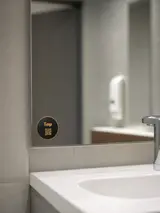
Washroom mirrorCleaning companies and facilitiesReports a mess or no soap.
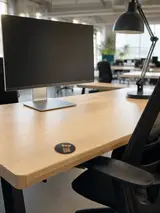
Shared deskOfficesBooks it for the day.
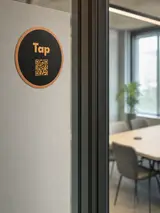
Meeting room doorOfficesBooks the room or reports an issue.
Office printerOffice supply dealersOrders toner.
Office printerPrinter service companiesReports a jam.
Reception deskOfficesSigns the visitor in.
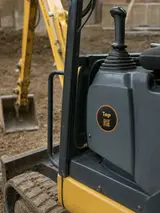
Rented equipmentEquipment rentalShows how to use it safely, and calls for pickup.
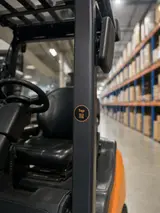
ForkliftWarehousesOpens the daily inspection checklist.
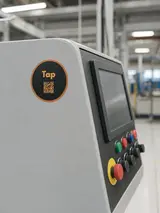
Production machineManufacturersOpens the manual and reports a breakdown.
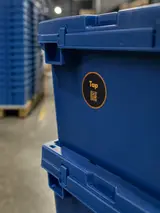
Reusable tote or palletDistributorsBooks a pickup to return it.
Rental bikeRental shopsStarts the return, or reports a problem.
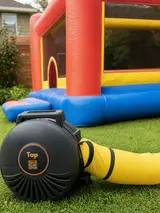
Party rentalTent and bouncy castle rentalsOpens the setup guide and books the pickup.
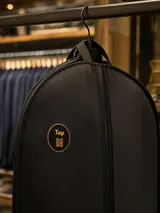
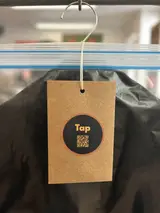
Garment bagTux and costume rentalsShows the return date and how to return it.
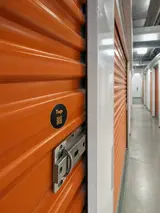
Storage unit doorSelf storagePays or extends the rental, and shows access hours.
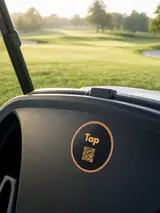
Golf cartGolf coursesOpens the course guide and reports a problem.
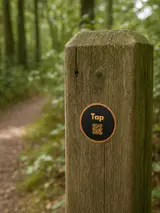
Trail signParks and conservation areasOpens the trail map and reports a problem.
Front counterAny shopLeaves a Google review.
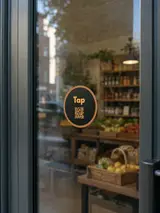
Storefront windowAny shopShows the hours and books or orders after closing.
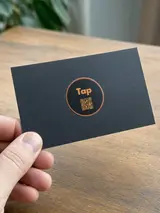
Business cardAnyone who hands out cardsSaves the contact to their phone.
Claim tagDry cleaners and repair shopsSays when the order is ready.
Loyalty cardCafésCollects a stamp.
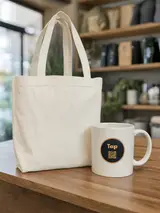
Branded tote, mug or bottleAny business that gives away merchOpens the business's page.
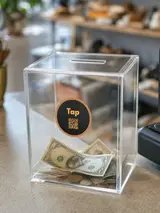
Donation boxCharitiesGives online.
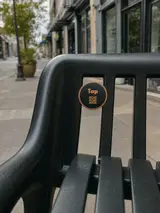
Street pole or benchBIAs and townsShows what's on along the street.
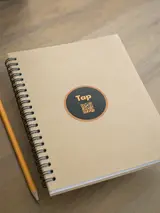
WorkbookTutors and schoolsOpens the lesson videos and books the next session.
Conference badgeConferences and trade showsSaves the wearer's contact.
No use matches. Try fewer words, or tell us where yours goes.
How it works
Most NFC stickers come blank. Ours come ready.
A blank NFC stickerA Smart Sticker
- Find one that works with every phoneDone by us
- Get an app and write itDone by us
- Build a page for it to openDone by us
- Rewrite it when anything changesNever needed
- Stick itYour part
What it opens changes without touching the sticker. Change it yourself, or call or text our receptionist.
At scale
At scale, it runs itself.
For businesses that service, rent, supply or manage things by the hundred. Every sticker has its own page and its own taps, in one place.
- Its own pageEach sticker can open its own page, or a whole set can share one.
- Its own tapsSee which stickers get tapped, sticker by sticker and site by site.
- Changed from one placeChange one sticker or a whole set, without a visit. Change it yourself, or call or text our receptionist.
We'll set up the program with you: the pages, the rules, the rollout.
Pricing
Start with one. Scale when it works.
1 sticker
Freeyour first
- $10 each after that
- Free pickup in the Toronto area, or $4.99 shipping
- A branded page, built for you
- Change it yourself, or call or text our receptionist
10 stickers
$100$10 each
- Ships free
- Each one set up before it ships
- One page for all, or one each
- Taps per sticker
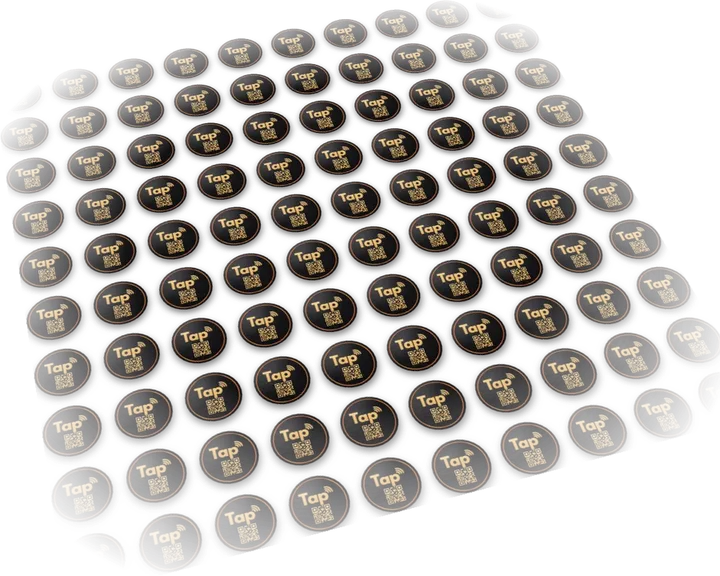
100+ stickers
Let's talk
- Volume pricing
- Pages and rules set up with you
- Taps per sticker, per site
- One person to call
All prices in Canadian dollars.
Questions
Smart Sticker questions
What is a Smart Sticker?
A small round NFC sticker with a printed QR code. A phone tap, or a scan, opens a page from the business that gave it to you. No app.
How is it different from a QR code sticker?
A printed QR code opens the same link forever. A Smart Sticker is managed by Oh Tap!, so what it shows can change at any time, and each sticker can show something different.
Can I change what it does after it's stuck on?
Yes. Change it yourself, or call or text our receptionist.
Do my customers need an app?
No. Phones with NFC open it with a tap; any phone camera opens it from the QR code.
What do businesses use them for at scale?
Examples: inspection tags on equipment, supply shelf reorders, rental fleets, property units and company vehicles. For 100 or more, talk to us.
How much does it cost?
Your first Smart Sticker is free: pick it up free in the Toronto area, or pay $4.99 shipping. After that, $10 each, or 10 for $100 with free shipping. For 100 or more, talk to us.
Last updated November 15, 2026. By the Oh Tap! team in Toronto.